.jpg?environment=live)
IndyCar revises standing start procedures
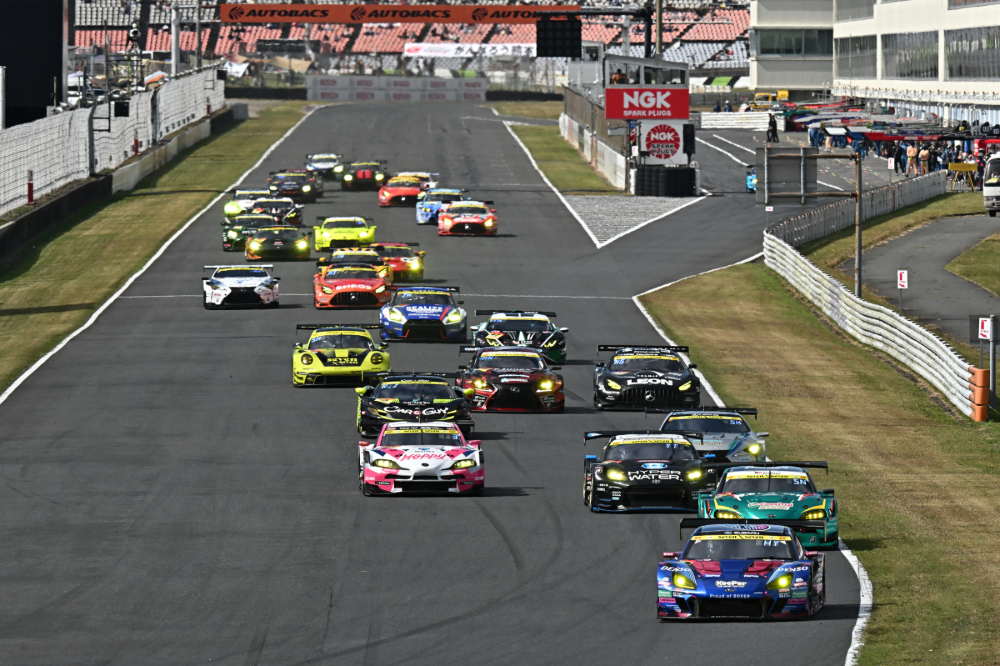
IndyCar has altered the procedures for standing starts, which will be implemented for the first time at Race 1 of this weekend's double-header in Toronto, as well as at Houston later this season. Race 2 of the doubleheader weekends will utilize traditional rolling starts.
The revisions are as follows:
The safety car will lead the formation lap and drivers will follow single-file in starting order.
During the formation lap, drivers will remain in starting order with no overtaking. The speed of the formation lap will be set by the safety car.
At the end of the formation lap, drivers will take their starting positions with the front wheels of the car remaining within its designated orange grid line.
A five-second declaration will be made via radio by the Race Director prior to the start of the light sequence. The starting sequence will begin when the first two rows of red lights on the lighting panel illuminate. The red lights will continue to fill from the bottom of the light panel two rows at a time, for a total of six steps (12 rows).
Once the panel is filled with red lights, there will be a delay between .5 and 3 seconds and the panel will switch to all green lights and the race will begin.
- A false start shall be declared when a car moves forward or is out of its assigned position before completion of the light sequence. A penalty will be imposed for a false start.
The Race Director can declare an aborted start before the final row of red lights is illuminated on the lighting panel.If the start is aborted, the full-course caution lights will be turned on.
In the event of an aborted start, a rolling start shall be implemented. Any competitors whose actions result in an aborted start will move to the rear of the field.
Presented by:


Latest News

Comments
Comments are disabled until you accept Social Networking Cookies. Update cookie preferences
If the dialog doesn't appear, ad-blockers are often the cause; try disabling yours or see our Social Features Support.